Option Settings to Improve Performance & Heat Prevention
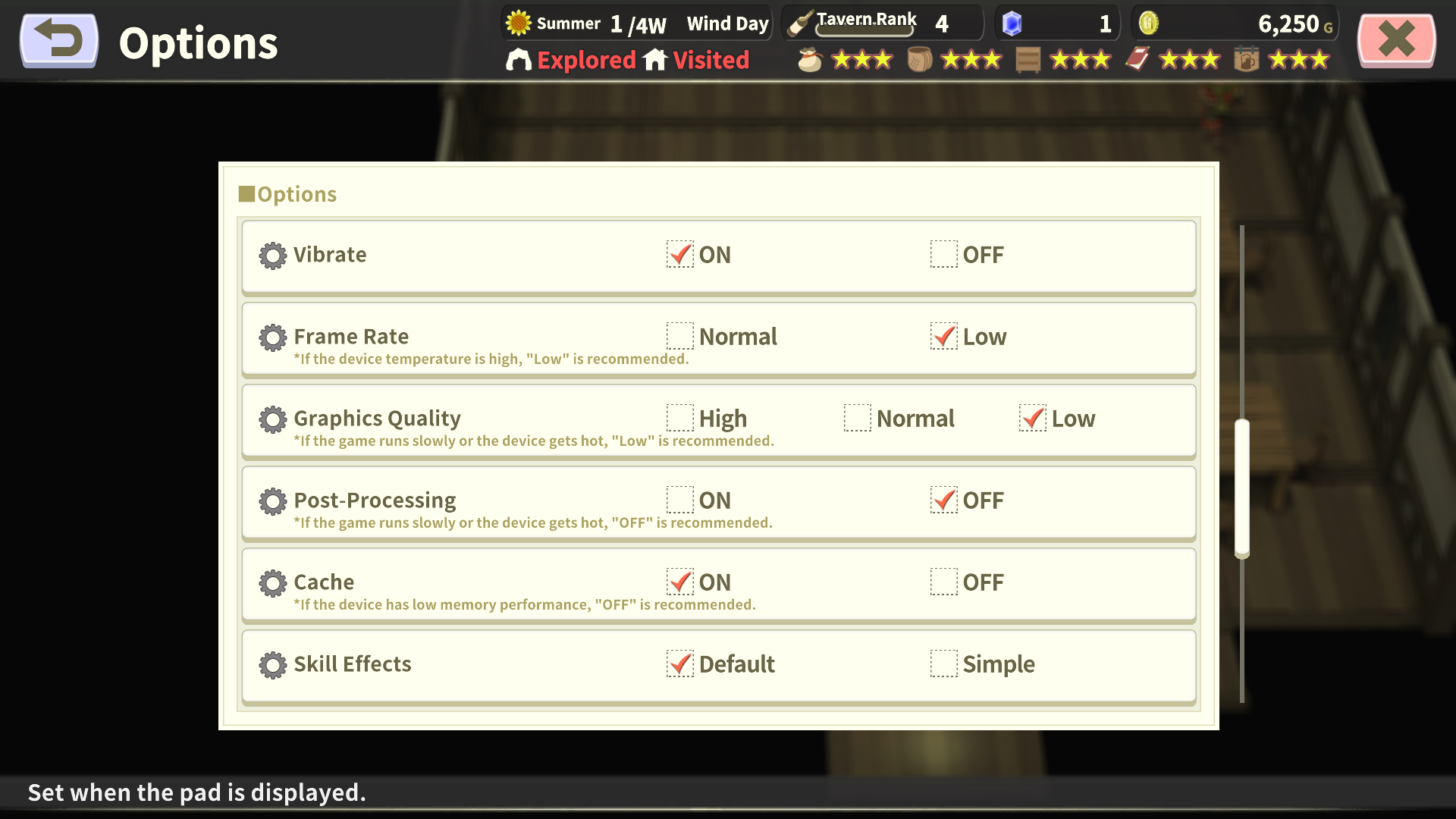
[Frame Rate]
Setting this to "Low" reduces the number of rendered frames, which may help improve processing speed and reduce device temperature.
[Graphics Quality]
Affects the overall resolution. If the game runs slowly or your device gets hot, set this to "Normal" or lower.
[Post-Processing]
Applies rich visual effects, such as screen blur.
This significantly affects performance and temperature, so turn it "OFF" if experiencing lag or heat.
[Cache]
Affects how long loaded assets, such as maps, are kept in memory.
While "ON" is generally recommended, try switching to "OFF" if the game crashes frequently.
Enquiries
